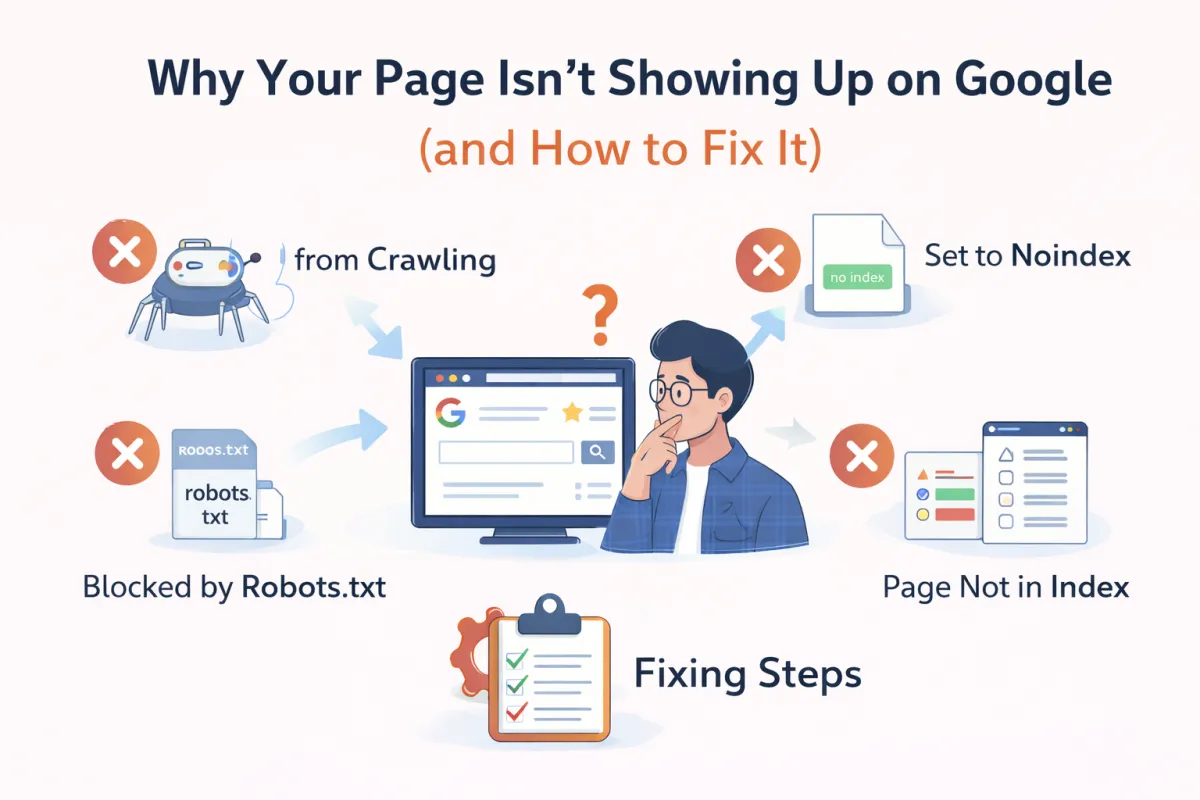
Why Your DTF Gang Sheets Page Isn't Showing in Google
SEO for Print Shops Series • Part 1 of 7
You just published your beautiful "DTF Gang Sheets" page.
You spent hours getting the product descriptions right, uploading crisp images of your transfers, and setting up the pricing tiers. You shared it on Facebook, posted it on Instagram, and maybe even ran a few ads to get the word out.
But then you go to check how you're doing in search results.
You type "DTF gang sheets" or "custom gang sheets near me" into Google... and nothing.
You scroll to page 2. Nothing. Page 3. Still nothing. It feels like your page is completely invisible.
It's frustrating, and frankly, it's scary. You know your transfers are high quality. You know your turnaround time beats the competition. So why does Google seem to ignore you?
The "Invisible Business" Syndrome
If this sounds familiar, you aren't alone. We see this with print shop owners every single day.
Whether you've created a new collection for "School Spirit Transfers" or a dedicated landing page for "Wholesale DTF Printing," the result is often the same: silence.
Here is the good news: This isn't happening because your business is actually invisible. It's not because your website is "broken" in the way you might think. And it's definitely not because Google hates print shops.
It's because Google has a process.
Just like you have a specific process for printing a gang sheet—checking the artwork, ripping the file, printing, curing, and cutting—Google has a strict manufacturing line for search results.
If you skip a step in your print shop, the shirt doesn't get made. If your website skips a step in Google's process, your page doesn't get shown.
Today, you're going to learn that process so you can stop guessing and start fixing the real problem.
Key Takeaway
Google is not magic. It is a machine with a specific workflow. If your page isn't showing up, it simply means it got stuck at one specific stage of that workflow.
The Google Pipeline: How Search Actually Works
To fix your visibility issues, you need to stop thinking of SEO as a list of "hacks" or keywords to stuff into your footer. Instead, think of Google like a giant library combined with a hyper-active matchmaking system.
Before Google can recommend your page to someone searching for "buy DTF transfers," it has to find your page, read it, understand it, and file it away correctly.
This process happens in three distinct stages. We call thisThe Google Pipeline.
1. Crawling (Discovery)
"Google finds the page exists."
Imagine a librarian walking through the aisles looking for new books. Crawling is when Google's bots (often called "spiders") discover your page exists by following links from other pages. If there are no roads (links) leading to your new Gang Sheet page, the bots can't find it.
2. Indexing (Storage)
"Google understands it and saves it."
Once the librarian finds the book, they have to read it to know where to shelve it. Is this a "how-to" guide? Is it a product page? Is it a blog post? If Google understands your page and thinks it's valuable, it adds it to the "Index"—its massive database of web pages.
3. Ranking (Selection)
"Google decides where to show it."
This is the matchmaking part. When someone searches "DTF transfers near me," Google looks through its Index and picks the best, most relevant pages to show first. This is where you compete with other print shops.
The Real Problem: "Published" ≠ "In Google"
This is the biggest misconception among Shopify and WordPress users in the print industry.
You hit the "Publish" button in your dashboard, so you assume the page is live for the world to see. Technically, it is—anyone with the direct link can visit it. But to Google, that page might as well not exist yet.
Let's look at a common DTF example:
You create a Shopify collection page at/collections/dtf-transfers. You published it on Tuesday. On Friday, you're searching for it and panicking because it's not there.
Why? Maybe you forgot to link to it from your homepage menu (Crawl problem). Maybe the content is just a list of products with no description, so Google thinks it's a duplicate of your other pages (Index problem). Or maybe it is indexed, but your competitor has 500 five-star reviews and a better description, so they are on Page 1 and you are on Page 50 (Ranking problem).
Until you know which stage is broken, you can't fix it.
🧪 Quick Test: Is Your Page Even Indexed?
Stop guessing. Let's check right now if Google even knows your page exists.
Go to Google and search specifically for your site and keyword like this:
site:yourdomain.com dtf transfers
If you see your page:Great! It's indexed. Your problem isRanking.
If you see "No results":Your page is invisible. Your problem isCrawlingorIndexing.
Your Roadmap to Visibility
Now that you know the pipeline exists, you can stop throwing spaghetti at the wall. You don't need more keywords; you need to unclog the pipeline.
Over the next few weeks, we are going to break down every single step of this process specifically for print shops and transfer businesses. We won't bore you with generic tech talk—we're going to talk about gang sheets, mascots, and pressing instructions.
What's Coming in This Series:
YOU ARE HEREPart 1:Why Your Page is Invisible (The Google Pipeline)
Ready to Fix It?
If you did the "Quick Test" above and found out your page is missing, don't panic. It is completely fixable.
Most of the time, the solution is something simple like adding an internal link, rewriting a thin product description, or adjusting a setting in Shopify. But you have to follow the process.
In the next article, we're going to dive deep into theCrawl → Index → Rankpipeline. We'll show you exactly how to ensure Google's bots can find your new "School Spirit" collection the moment you hit publish.
Ready to make your print shop visible?Bookmark this page and get ready for Part 2.
